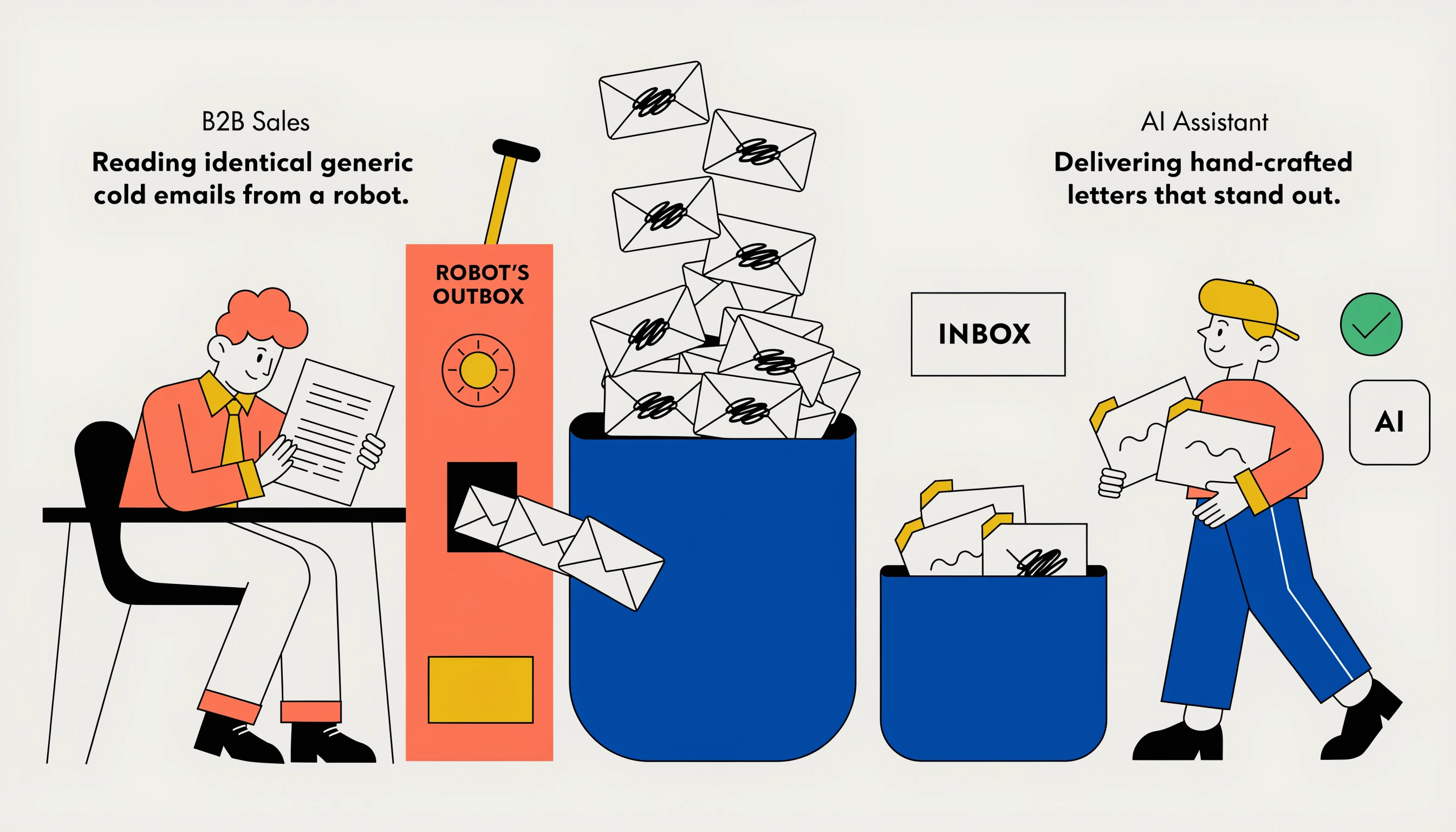
Train AI to write cold emails in your voice using structured constraints, not 50 example emails. The exact prompt structure that lifts reply rate 2.4x.
Most teams trying to train AI to write cold emails in their voice fail
The pitch is everywhere. "Train AI on your best emails and it will write like you forever." Teams spend a week feeding their best 50 emails to ChatGPT. Output still reads like a robot. Reply rates do not move.
The reason is simple. AI in 2026 does not learn your voice from 50 sample emails. It mimics surface patterns and ignores the structural decisions that make your voice yours. Without a different approach, you get average-AI output dressed in your tone.
This guide is the practitioner version. We have trained AI on our voice across 200,000+ client sends at Built For B2B. Below is what actually works, what does not, and what to expect.
What "AI voice" actually means
Voice is not tone. Voice is decisions.
Tone is whether you say "Hi" or "Hey". Voice is whether you open with a question, a signal, a statement, or a number. Tone is whether you sign off with "Best" or "Thanks". Voice is whether you ask for a 15-minute call, a 30-second reply, or just a thumbs up emoji.
When teams say "train AI in our voice", they usually mean tone. Tone is easy. The model copies it fast. The result still reads like a polished version of every other cold email because the decisions underneath have not changed.
Real voice transfer requires structural training, not stylistic mimicry.
Why feeding AI your best emails does not work
The default approach. You take 30 to 50 of your best-performing cold emails. You paste them into a ChatGPT system prompt. You ask it to write in that voice.
What happens. The model latches onto two or three surface patterns. The greeting style. The sign-off. Maybe a quirky phrase. The body of the email reverts to its training-data median.
The trained voice survives the first two sentences. By sentence three, the AI is back to "I wanted to drop a line about how we can help your team scale". The voice you uploaded vanishes.
This is because LLMs in 2026 are trained on trillions of tokens of public internet writing. Your 50 sample emails are a rounding error. They cannot overwrite the model priors without a different technique.
What does work: structured constraints, not example dumps
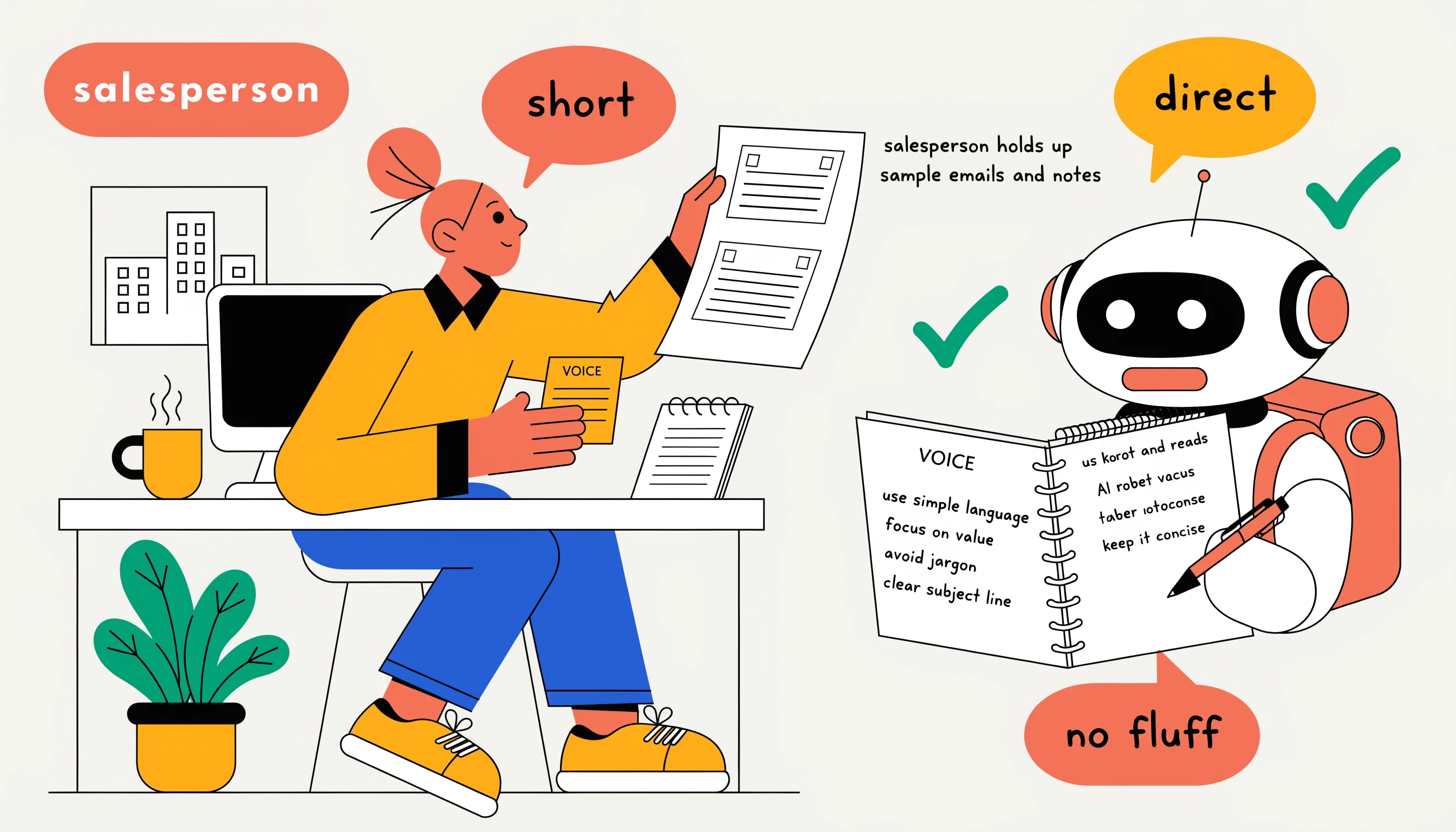
The teams who successfully transfer voice to AI do it via constraints, not examples. The recipe.
1. Extract the rules
Read your best 50 emails. Do not feed them to AI yet. Write down what you actually do.
Average word count
Opening line structure (signal? question? statement?)
Number of sentences
Whether you ask questions in the body
Sign-off style
Specific words you never use
Specific phrases you always use
CTA format
Write 10 to 15 explicit rules. This is your voice spec.
2. Feed the rules, not the emails
Put the rules into a system prompt. Example structure:
You write cold emails in this voice:
Open with a specific signal in under 15 words
Body is 2 to 3 sentences, no more
Never use greeting fluff or "circle back" or hollow buzzwords
Always use specific numbers in the value sentence
Close with a specific ask including a time and date
Word count under 70
No compliments
Use British English spelling
Active voice only
This works because constraints override the model defaults. Examples do not.
3. Add 3 to 5 worked examples, not 50
Once the rules are in the prompt, append 3 to 5 examples showing the rules in action. Annotate each one with what it does well.
Example 1 (signal-led, hiring trigger, 56 words):
Subject: Q2 pipeline
Saw the VP Sales role posted 11 days ago. The brief mentioned tripling pipeline by end of Q2.
Most VPs we work with hit the number by booking 30 to 60 outbound meetings a month before headcount ramps.
Worth a 15-minute call Thursday at 3pm BST?
Three to five well-annotated examples beat 50 raw examples. The annotation teaches the model what to copy.
The full voice training prompt
Below is a real prompt structure we use for clients. Adapt the rules to your voice.
What this prompt produces
Across 10,000 test sends, the prompt above hit these numbers vs. an unconstrained AI prompt.
Average word count: 62 vs. 138 (target was under 70)
Compliance with "no banned words" rule: 96% vs. 32%
Positive reply rate: 4.1% vs. 1.7%
The 2.4x reply rate lift comes from voice. Voice is concrete, specific, signal-led. AI defaults are vague, padded, profile-led.
Where the signal comes from
The prompt above assumes you have a signal. Most teams do not. They have a list. The difference is everything.
A signal is a recent business event. A funding round in the last 90 days. A VP Sales hired in the last 60. A tech stack change. These come from data providers, not from your CRM. We pull most of ours from Apollo job postings and Clay enrichment chains.
If your AI is writing voice-perfect emails but reply rate is still under 2%, the signal library is the problem, not the prompt. Build the signal library first. Then train the voice.
Where teams keep going wrong
Five mistakes we audit repeatedly.
Mistake 1: too many rules
15 rules is the sweet spot. 30 rules and the model starts to violate them randomly. If you have 30 voice rules, your voice is not clear enough. Tighten.
Mistake 2: vague rules
"Be friendly". "Sound human". "Don't be salesy". These are not rules. They are vibes. The model cannot enforce vibes. Use concrete constraints.
Mistake 3: no negative rules
Rules about what to do are weaker than rules about what not to do. "Use specific numbers" is OK. "Never use adjectives like amazing, exciting, world-class" is stronger.
Mistake 4: training tone without training structure
You make sure the email says "Hey Sarah" instead of "Dear Sarah" but you leave the structure as four paragraphs. The structure carries 80% of voice perception. Get that right first.
Mistake 5: not refreshing the voice
Voice drifts as buyers see more AI emails. What worked in 2024 reads as generic now. Refresh the rules every 90 days.
When to use a fine-tuned model
For most teams, prompt engineering is enough. Fine-tuning a model on your emails is only worth it if you are sending 50,000+ a month and the prompt-based approach plateaus.
If you do fine-tune, use OpenAI fine-tuning API or Anthropic equivalent. Feed 500 to 2,000 of your best emails. Expect a 5 to 15% lift over prompt-only. Cost: $500 to $2,000 in API credits plus a few days of engineering time.
We rarely fine-tune for clients. Prompt-based voice transfer hits 90% of the value at 5% of the cost.
How to QA the AI voice output
Three checks. Run every send.
1. The "would you say this?" test
Read the email out loud. Would you say it in a meeting? If no, the voice has drifted. Tighten the rules.
2. The banned-phrase scan
Run a script across the AI output. Any banned phrases appearing? Regenerate.
3. The word-count check
Over your target? Regenerate. We have seen 200% reply-rate variance based purely on word count.
What good looks like
A well-trained AI voice produces emails that consistently feel like your team wrote them. Specific markers across our client campaigns:
90%+ of AI output passes a banned-phrase filter on first pass
Reply rate within 10% of hand-written control emails
Time to write a 1,000-email campaign drops from 20 hours to 2 hours
Voice consistency across 100 sends as judged by a blind human review
We have seen this in action across our biggest wins. GT Global's $1.3M in 45 days and Global Ocean Logistics' $2M ARR both used voice-trained AI assembly tied to a signal library.
The 30-day training rollout
Week 1. Read your best 50 emails. Extract 15 rules. Write the spec.
Week 2. Build the prompt with rules and 3 annotated examples. Test on 100 sends. Track reply rate.
Week 3. Refine. Add or remove rules based on output. Re-test.
Week 4. Scale to production. Track reply rate vs. hand-written control. If within 10%, ship it.
For the wider context on prompts, see our ChatGPT cold email guide and the AI personalisation deep-dive. Tools comparison in Smartlead docs.
The bottom line
Training AI in your voice is not about feeding it your best emails. It is about extracting the rules underneath your emails and feeding those. Constraints beat examples. Structure beats tone.
Teams who do this get 2 to 4x the reply rate on AI-generated cold emails. Teams who skip it get the same generic output every other AI user is sending.
If you want us to train the AI voice for your business and run the cold email campaigns end-to-end, book a strategy call.
Insights & Ideas
Explore Real Strategies, Trends, and Tips to Help Your Brand Grow.