HeyReach Review 2026: LinkedIn Automation for B2B Outreach (Tested)
We use HeyReach daily for client LinkedIn campaigns. Our honest review after 12+ months: what works, what does not, and who it is built for.
6 Min Read
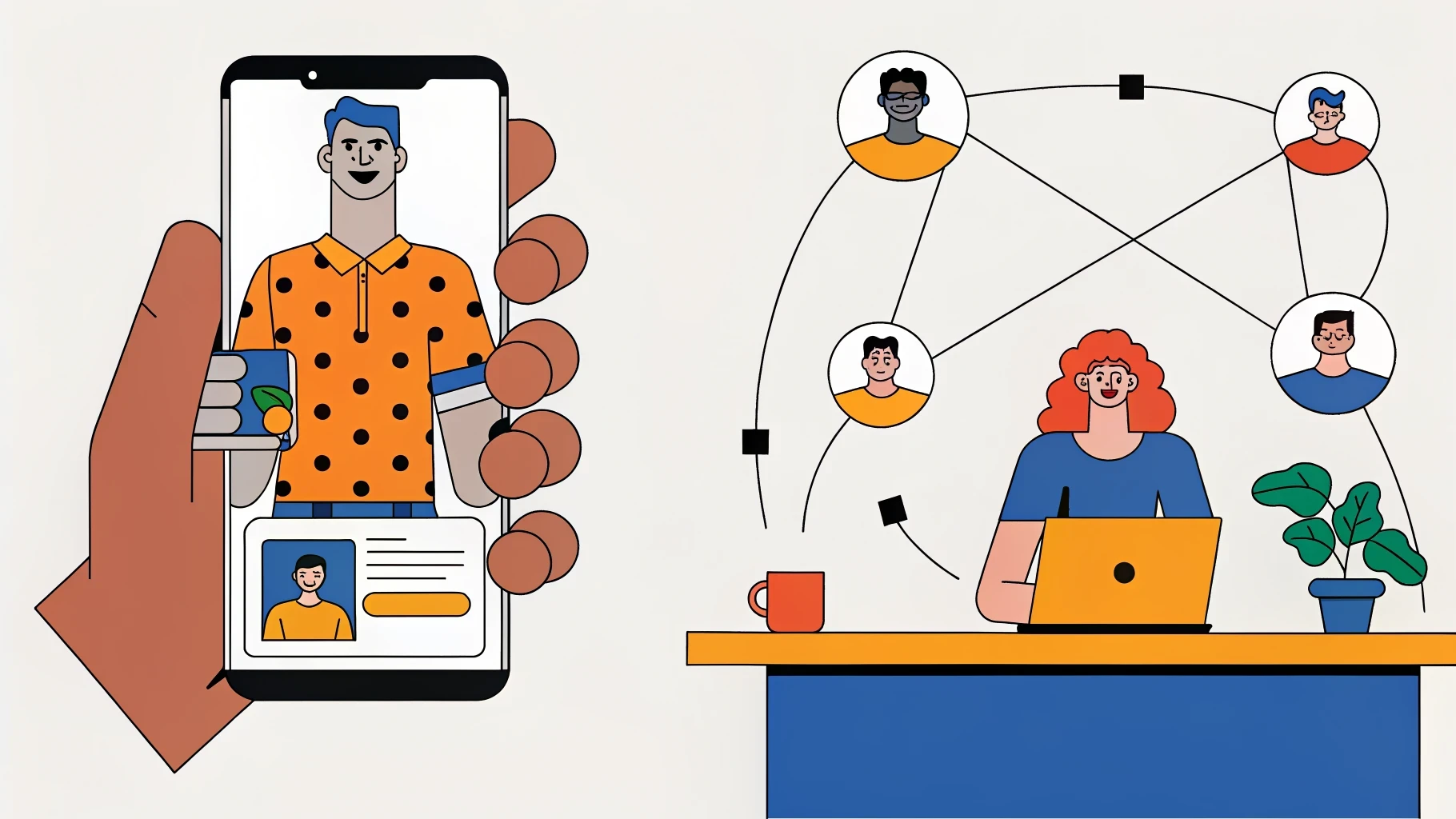
We have used HeyReach for over 12 months across dozens of client campaigns. It is a core part of our LinkedIn outreach stack. This is not a review from someone who watched a demo. This is from daily use, including the bugs, the limitations, and the features we wish existed.
For results context: we run HeyReach as part of the multi-channel stack that turned Mercer Agencies‘ dormant database into $500K+ in 60 days.
What HeyReach Is
HeyReach is a LinkedIn automation platform built for agencies and teams running outreach at scale. Unlike tools designed for individual sales reps, HeyReach lets you manage multiple LinkedIn accounts from one dashboard, rotate sender profiles, and run multi-step sequences across connection requests, messages, InMails, and profile views.
The core value proposition: scale LinkedIn outreach across multiple sender accounts without getting anyone’s account restricted.
What HeyReach Does Well
Multi-sender rotation
This is the feature that makes HeyReach worth using over simpler tools. You assign a prospect list to a campaign, and HeyReach distributes the outreach across multiple LinkedIn accounts automatically. If one account hits daily limits, the system shifts volume to other accounts. This reduces the risk of any single account getting flagged by LinkedIn.
For agencies managing outreach on behalf of clients, this is essential. We typically run 3-5 LinkedIn accounts per client campaign to keep individual account activity within LinkedIn’s comfort zone.
Sequence builder
HeyReach supports multi-step sequences: connection request, follow-up message (if accepted), InMail (if not accepted), profile view, and post engagement. You set delays between steps and conditions (accepted vs not accepted). The builder is intuitive enough that setting up a campaign takes 15-20 minutes.
Unified inbox
All LinkedIn conversations from all sender accounts appear in one inbox. For agencies managing 10+ LinkedIn accounts, this saves hours of switching between profiles. You can reply, tag conversations, and assign leads to team members from the central dashboard.
CRM integrations and webhooks
HeyReach integrates with HubSpot, Salesforce, and Pipedrive. It also supports webhooks for custom workflows. We use webhooks to route LinkedIn replies into Slack channels for real-time client visibility. The webhook reliability has been solid, with fewer than 2% of events dropped in our experience.
Safety features
LinkedIn account health is the constant worry with any automation tool. HeyReach handles this reasonably well:
Daily action limits per account (configurable, we set 20-30 connection requests per day)
Random delays between actions to mimic human behaviour
Working hours scheduling (only send during business hours in the prospect’s timezone)
Account warm-up mode for new or inactive profiles
In 12+ months, we have had zero client accounts permanently restricted while using HeyReach. A few temporary slowdowns, but no bans.
What HeyReach Does Not Do Well
Reporting is basic
The analytics dashboard shows connection acceptance rates, reply rates, and InMail response rates. That is useful but shallow. There is no built-in pipeline tracking, no revenue attribution, and no A/B testing with statistical significance. We export data and build our own reports for clients. If you want deep analytics out of the box, you will be disappointed.
Lead sourcing is not its job
HeyReach is an outreach execution tool, not a data tool. You need to build your prospect lists elsewhere (Sales Navigator, Apollo, Clay) and import them. Some competitors offer built-in lead search. HeyReach does not. This is fine if you already have a data stack. It is a gap if you do not.
No email integration
HeyReach is LinkedIn only. There is no way to combine email and LinkedIn sequences within the platform. We pair HeyReach with Smartlead for email, coordinating the two sequences manually. A unified multi-channel sequence builder would save significant time. For now, you need two tools and careful coordination to run the multi-channel outreach that gets the best results.
UI can lag under load
When managing 20+ LinkedIn accounts with active campaigns, the dashboard slows down noticeably. Page loads take 3-5 seconds, and the inbox can freeze briefly when loading hundreds of conversations. Not a dealbreaker, but noticeable when you are working fast.
HeyReach Pricing
HeyReach uses a per-sender pricing model:
Starter: 1 sender, limited features. Good for testing.
Professional: Multiple senders, full feature access. This is where most agencies start.
Agency: Unlimited senders, white-label options, priority support.
Pricing scales with the number of LinkedIn accounts you connect. For an agency running 20+ accounts, expect $200-$500+/month depending on the plan and volume.
Compared to alternatives like Dripify ($59/user/month but limited to one account per subscription) or Expandi ($99/seat/month), HeyReach is more expensive per account but significantly cheaper at scale because of the multi-sender architecture.
Who Should Use HeyReach
Agencies running LinkedIn outreach for clients. The multi-sender rotation, unified inbox, and webhook integrations make it the best tool for this use case. We have tried alternatives and keep coming back.
Sales teams with 5+ LinkedIn accounts. If you have multiple reps and want centralised management, HeyReach beats having each rep run their own tool.
Companies running multi-channel outbound. Paired with a cold email tool like Smartlead or Instantly, HeyReach completes the LinkedIn side of the equation.
Who Should Not Use HeyReach
Solo founders or individual sales reps. If you only have one LinkedIn account, cheaper tools like Dripify or even LinkedIn’s native Sales Navigator workflows will do the job. HeyReach’s value is in scale.
Companies that need email + LinkedIn in one tool. If you want a single platform for both channels, HeyReach is not it. Look at tools that offer multi-channel sequences natively, though be aware they typically do neither channel as well as a specialised tool.
Companies without a data stack. If you do not already use Apollo, Clay, or Sales Navigator for list building, HeyReach alone will not help. You need data first, execution second.
Our Setup: How We Use HeyReach
For context on how this fits into a production outbound system:
Data: Apollo + Clay for prospecting, enrichment, and verification
Cold email: Smartlead for sending, warmup, and inbox rotation
LinkedIn: HeyReach for connection requests, messaging, and InMails
Coordination: Webhook-based routing to Slack for reply management
CRM: HubSpot for pipeline tracking and reporting
This stack runs our entire multi-channel outbound operation. The email and LinkedIn sequences are coordinated so prospects receive touchpoints across both channels without overlap or spam.
For more on how we compare data tools, read our Apollo vs Clay comparison.
The Verdict
HeyReach is the best LinkedIn automation tool for agencies and teams running outreach at scale. The multi-sender rotation alone justifies the price. The unified inbox saves hours. The safety features keep accounts healthy.
It is not perfect. Reporting needs work, there is no email integration, and the UI lags under heavy load. But for its specific job, executing LinkedIn outreach across multiple accounts safely and efficiently, it is the tool we trust with our clients’ accounts.
The Numbers to Hold HeyReach Against
A tool is only as good as the campaigns it runs. These are the benchmarks we hold LinkedIn outreach to across client accounts, and they are the numbers HeyReach should hit if the targeting and messaging are right.
Connection acceptance rate: 30-45%. Below 20% means the targeting is off or the sender profiles look weak, and sustained low acceptance is exactly what triggers LinkedIn account restrictions. Acceptance is also the input LinkedIn’s risk models watch most closely.
Reply rate: 10-25% on well-targeted campaigns. The platform-wide average sits at 6-10%. Under 5%, fix the list and the first message before blaming the tool.
Volume: roughly 100-200 connection requests per week per account is the safe working ceiling. HeyReach’s rotation exists so you never need to push a single account past it.
The rotation maths is the whole pitch. Five senders at safe limits give you 500-1,000 requests a week. At 35% acceptance and a 15% reply rate, that is 26-52 conversations started every week from one campaign. A single account working alone cannot get near those numbers.
HeyReach FAQ
Is HeyReach safe for LinkedIn accounts?
Safer than most, not risk-free. It is cloud-based, gives each account a dedicated IP, and enforces sensible daily limits out of the box. The residual risk comes from how you use it: aggressive volume, poor targeting and low acceptance rates get accounts restricted whatever tool you run. Read our guide to avoiding LinkedIn account restrictions before you scale volume.
How many sender accounts do you need?
Work back from the meeting target. A single well-run account books roughly 4-8 meetings a month on a good list. Most of our client campaigns run 3-5 senders, which supports 15-30 meetings a month without pushing any account into risky territory.
HeyReach, Expandi or Dripify?
HeyReach wins for agencies and multi-account teams because rotation and the unified inbox are native. Expandi is solid for a single account with good safety controls. Dripify is the budget option for a solo founder testing the channel. If you plan to scale past two senders, start on HeyReach and skip the migration later.
What should the first 90 days look like?
Month one is setup: profiles optimised, lists built, volumes ramping. Months two and three are where the numbers arrive. Expect acceptance to settle in the 30-45% band and replies between 10-25% once targeting is dialled in. If a campaign still sits below those bands after 90 days, change the strategy, not the software.
If you want someone to handle the entire LinkedIn outreach operation for you, including the strategy, targeting, messaging, and inbox management, see how our LinkedIn outreach services work. Or book a strategy call to discuss your outbound goals.
Put this to work on your pipeline.
We build and run cold email and LinkedIn outreach for B2B teams. From ICP definition to meetings in your calendar.